Hidden Photo Vault Calculator1.6.1
Publisher Description


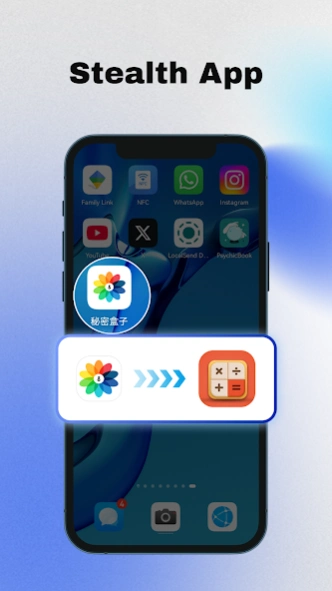
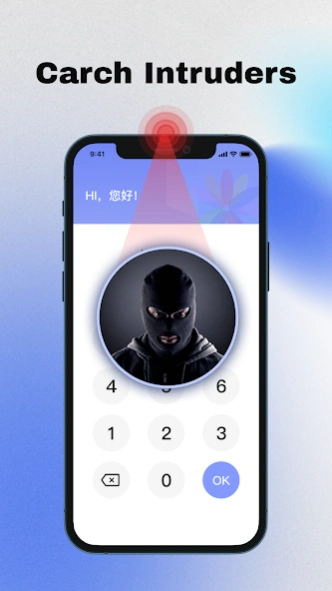
Privacy Guardian: Hide Your Secrets Behind a Disguised Calculator
A privacy protection app that encrypts and hides sensitive data behind a disguised calculator interface, supporting private browsing and multi-categorized storage.
Secret Calculator Hide Photos is a privacy-focused app that securely hides sensitive data (photos, notes, contacts) behind a disguised calculator interface. Key features include:
1. **Encrypted Storage**: Sensitive files are encrypted and only accessible with a secure password.
2. **Multi-Vault Management**: Organize content into categorized vaults for easy access.
3. **Disguise & Protection**: Calculator-like interface with decoy passcodes to deter snooping.
4. **Backup & Recovery**: Securely back up and restore data to prevent loss.
About Hidden Photo Vault Calculator
The company that develops Hidden Photo Vault Calculator is Changsha Years Information Technology. The latest version released by its developer is 1.6.1.
To install Hidden Photo Vault Calculator on your Android device, just click the green Continue To App button above to start the installation process. The app is listed on our website since 2025-05-20 and was downloaded 2 times. We have already checked if the download link is safe, however for your own protection we recommend that you scan the downloaded app with your antivirus. Your antivirus may detect the Hidden Photo Vault Calculator as malware as malware if the download link to com.privacy.album is broken.
How to install Hidden Photo Vault Calculator on your Android device:
- Click on the Continue To App button on our website. This will redirect you to Google Play.
- Once the Hidden Photo Vault Calculator is shown in the Google Play listing of your Android device, you can start its download and installation. Tap on the Install button located below the search bar and to the right of the app icon.
- A pop-up window with the permissions required by Hidden Photo Vault Calculator will be shown. Click on Accept to continue the process.
- Hidden Photo Vault Calculator will be downloaded onto your device, displaying a progress. Once the download completes, the installation will start and you'll get a notification after the installation is finished.
Program Details
System requirements
Download information
Pricing
Version History
version 1.6.1
posted on 2025-05-20
1. Fixed known bugs
version 1.5.9
posted on 2025-04-01
version 1.3.1
posted on 2023-02-06
fixed some bugs
